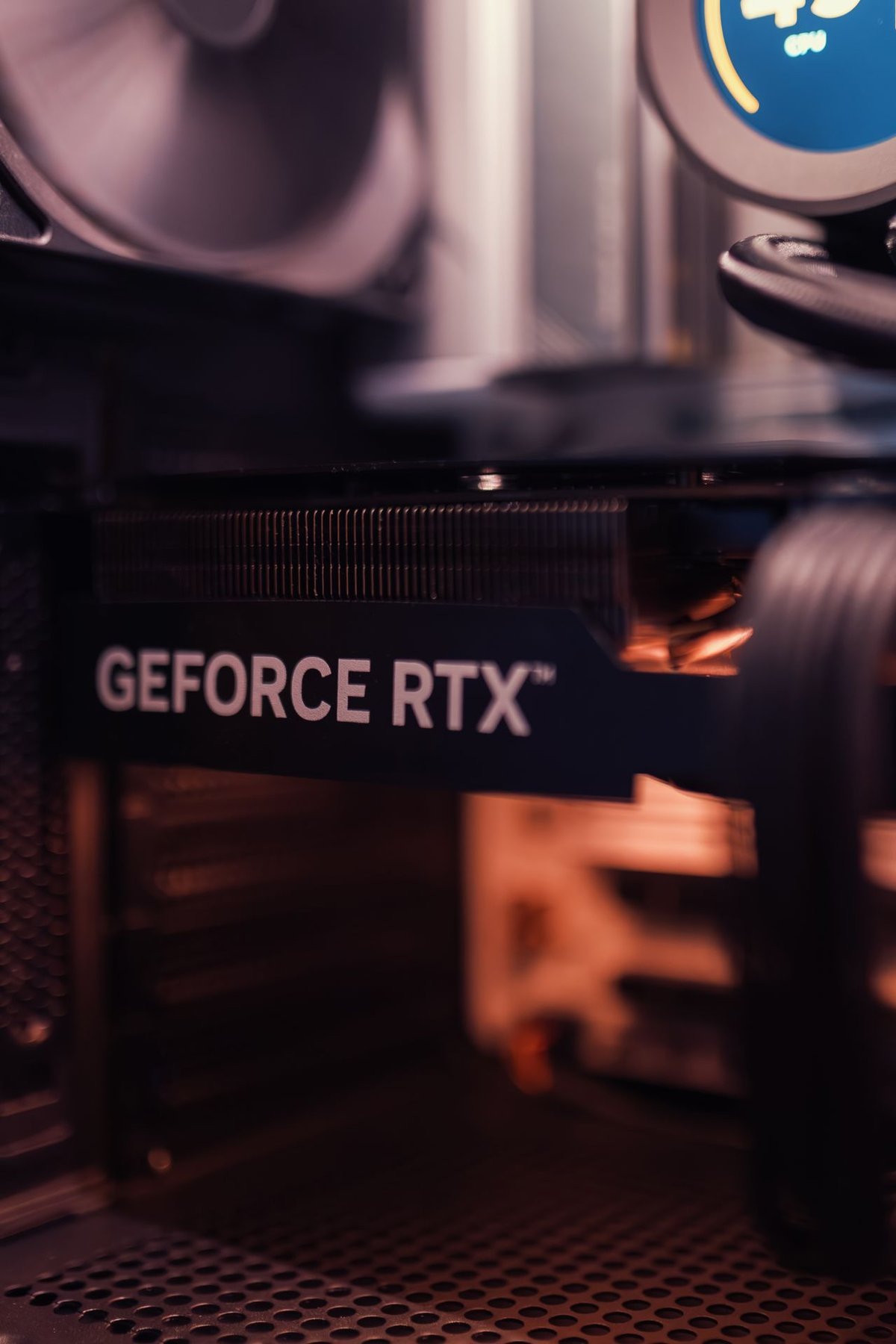
April 2026. A sheet of A4 paper hung on a corridor wall at the materials science college of a university in Shantou, Guangdong. The heading read "GPU use schedule." Under it were four research groups and 14 graduate students, all sharing two workstations built around GTX 1080 Ti cards. A weekend slot was routine. The longest wait was three days.
The budget had been fixed before the first meeting: 150,000 RMB, and no more. So the question was narrow. Should 150,000 RMB buy one top-tier card, or a stack of cheaper ones?
The site in three numbers
| Metric | Current state | Notes |
|---|---|---|
| Available compute | 2 x GTX 1080 Ti (22 GB total) | Bought in 2017; no BF16 or TF32 |
| Users | 4 faculty, 14 graduate students | Materials simulation, image segmentation, small-model fine-tuning |
| Average queue | 1–3 days | Longer at month-end and before paper deadlines |
Those three lines explain most of the problem. Four faculty and 14 students were sharing two 11 GB cards from 2017, and the queue behaved less like a cluster than like a single shared printer. The workloads were ordinary for a materials group, but every one of them wanted memory the old cards did not have.
The memory wall comes first, then the software stack
"Not enough compute" usually gets translated into "not enough FLOPS." Running the actual jobs puts the failures in a different order:
- Full fine-tuning of a 7B model with Adam at FP16 needs about 80 GB of VRAM. On an 11 GB card the job does not start.
- LoRA fine-tuning of a 7B model needs about 20 GB. On 11 GB the only route is 4-bit quantization with a small batch size.
- 13B inference at FP16 needs about 26 GB, so it has to be quantized or split across cards.
- The software stack: the 1080 Ti is Pascal-generation silicon with no BF16 or TF32 support. Current PyTorch and FlashAttention support it only partially, and many newer models do not run on it at all.
So the first specification for this purchase was total VRAM, and the second was architecture generation. TFLOPS ranked third, because a fast card that cannot hold the model finishes no job.
Three ways to spend the money
| Option | Hardware | VRAM | Cost | Problem |
|---|---|---|---|---|
| A. Eight-card RTX 4090 box | 8 x 24 GB | 192 GB | 400,000+ RMB | Over budget; 4 kW+ draw; the server room cannot support it |
| B. 48 GB server plus RTX 5090 workstation | 2 x RTX 6000 Ada 48 GB + 1 x RTX 5090 32 GB | 128 GB | 146,000 RMB | Requires scheduling; no one-card-per-person model |
| C. Four RTX 5090 workstations | 4 x 32 GB | 128 GB | 130,000 RMB | Consumer-card reliability, noise, thin service coverage |
Option B was chosen for concrete reasons. One 48 GB professional card holds a 32B model at 4-bit on its own. Two of them form a 96 GB shared pool, enough for 70B quantized inference. The RTX 5090 workstation covers local debugging and single-card experiments for faculty. The server room needed a 16 A/220 V socket and a 7 kW (24,000 BTU) air conditioner; it did not need a power-distribution rebuild.
Option C deserved a serious look, because it reached the same 128 GB of VRAM at a lower price. The reason to reject it was not performance. Four gaming cards in a shared lab mean four separate chassis, more noise in rooms that were not built for it, and consumer-grade service terms for equipment that has to survive deadlines. Option A was never close: the eight cards alone would have cost more than the entire budget, and the 4 kW+ load was beyond what the building could deliver.
What was specified
| Equipment | Configuration | Quantity |
|---|---|---|
| GPU server | 2 x Xeon Silver 4410Y, 512 GB DDR5 ECC, 2 x 1.92 TB NVMe in RAID1, 2 x RTX 6000 Ada 48 GB, 2000 W 1+1 redundant, 4U | 1 |
| GPU workstation | Core Ultra 9 285K, 128 GB DDR5, 2 TB NVMe, RTX 5090 32 GB, 1000 W gold-rated | 1 |
| Scheduling | Slurm or OpenPAI, with quotas assigned by research group | 1 set |
| Rack and network | 12U rack, 10 GbE uplink, 3 kVA UPS | 1 set |

Three weeks: two to buy, three days to bring online
- Week 1: confirm the room's power (16 A/220 V), floor loading and cooling capacity; lock the delivery dates for the GPUs and the server.
- Week 2: equipment arrives, is racked, drivers and CUDA are installed, then a 72-hour stress test.
- Week 3: Slurm is deployed, data is migrated, accounts are created for the 14 students, and one training session is held.
Results
LoRA fine-tuning of a 7B model dropped from 40 hours on the 1080 Ti pair, with a small batch, to about 9 hours. A 32B model at 4-bit runs on one 48 GB card. 70B quantized inference runs on both cards and stays stable once concurrency is capped. Total VRAM reached 128 GB, and the average wait fell to about four hours.
The schedule came off the wall. Slurm quotas replaced it, which changed the argument from who gets the machine tonight to how many GPU hours each group is entitled to this month.
Where the 146,000 RMB went
| Item | Amount |
|---|---|
| GPU server, including 2 x RTX 6000 Ada 48 GB | 112,000 RMB |
| RTX 5090 workstation | 26,000 RMB |
| Rack, 10 GbE, UPS | 8,000 RMB |
| Total | 146,000 RMB |
The quote came in under the 150,000 RMB ceiling, with the full hardware list intact. The headroom came from the shape of the system rather than from shaving parts: two large professional cards plus a single workstation covered work that an eight-card box was assumed to require.
Five lessons
- Count VRAM before FLOPS. A model that does not fit runs at zero speed, whatever the peak number says.
- Professional and consumer cards are different products. Blower cooling, ECC memory, 7x24 driver certification and service coverage are the reasons a lab pays for the former.
- Shared scheduling beats one card per person. Eighteen people never saturate a machine at the same moment; quota-based scheduling raises utilization without buying more hardware.
- Check the room before the order. Socket rating, air conditioning, floor loading and noise: if any one of them fails, the equipment arrives and cannot be switched on.
- Avoid mining cards and miracle prebuilt boxes. A lab's data and papers cannot absorb a card that drops out in the middle of a run.
Note: At the client's request, the organization’s name, people’s names and some dialogue have been generalized. Configurations and prices reflect the market in October 2026; an actual project depends on a site survey.